


Within the section system.webServer I’ve added the following:
[xml]<applicationInitialization doAppInitAfterRestart="true">
<add initializationPage="/Notify/LogicApp" hostName="arraffinity.azurewebsites.net" />
<add initializationPage="/Notify/RequestBin" hostName="arraffinity.azurewebsites.net" />
</applicationInitialization>[/xml]
As you can see there are two calls: /Notify/LogicApp and /Notify/RequestBin containing the following logic:
[csharp]using System.IO;
using System.Net;
using System.Text;
using System.Web.Mvc;
namespace ARRTest.Controllers
{
public class NotifyController : Controller
{
// GET: Notify
public void RequestBin()
{
var request = (HttpWebRequest)WebRequest.Create("http://requestb.in/1fl81uk1");
DoRequest(request);
}
// GET: Notify
public void LogicApp()
{
var request = (HttpWebRequest)WebRequest.Create("https://prod-07.northeurope.logic.azure.com:443/workflows/f335b522855146cda8a78505b3fac57e/triggers/manual/run?api-version=2016-06-01&sp=%2Ftriggers%2Fmanual%2Frun&sv=1.0&sig=EeQwQ4_ZS-L6UubWCwbA95XAf54e5PUYH3smX27Qaqg");
DoRequest(request);
}
private void DoRequest(HttpWebRequest request)
{
var data = Encoding.ASCII.GetBytes(string.Format("webapp={0}&instanceName={1}", Request.Url.Host, Server.MachineName));
request.Method = "POST";
request.ContentType = "application/x-www-form-urlencoded";
request.ContentLength = data.Length;
using (var stream = request.GetRequestStream())
{
stream.Write(data, 0, data.Length);
}
var response = (HttpWebResponse)request.GetResponse();
var responseString = new StreamReader(response.GetResponseStream()).ReadToEnd();
}
}
}[/csharp]
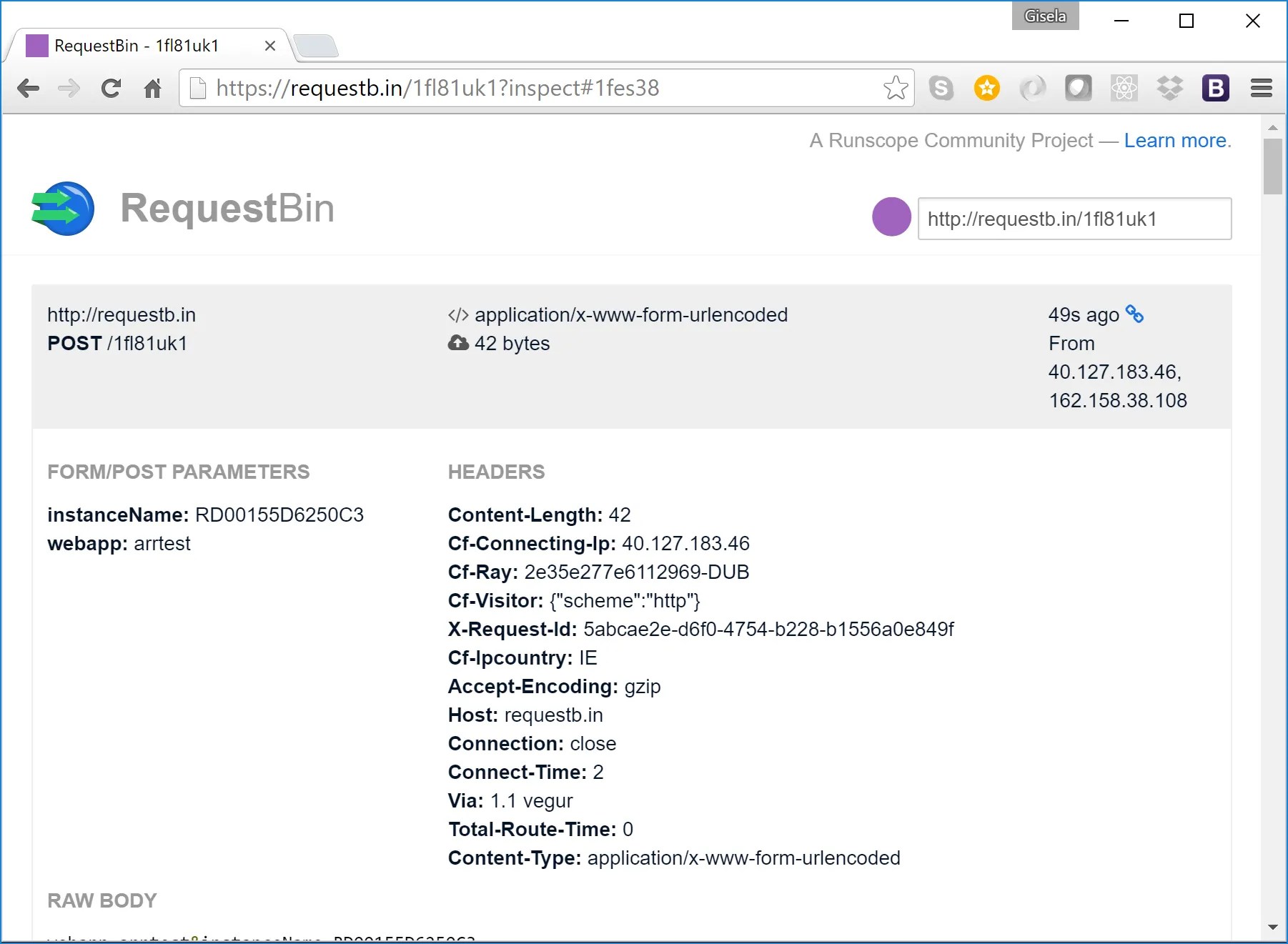
Those two calls make a POST request to two different URLs. The first one to the RequestBin service that allows me to pick up a request and display the content.
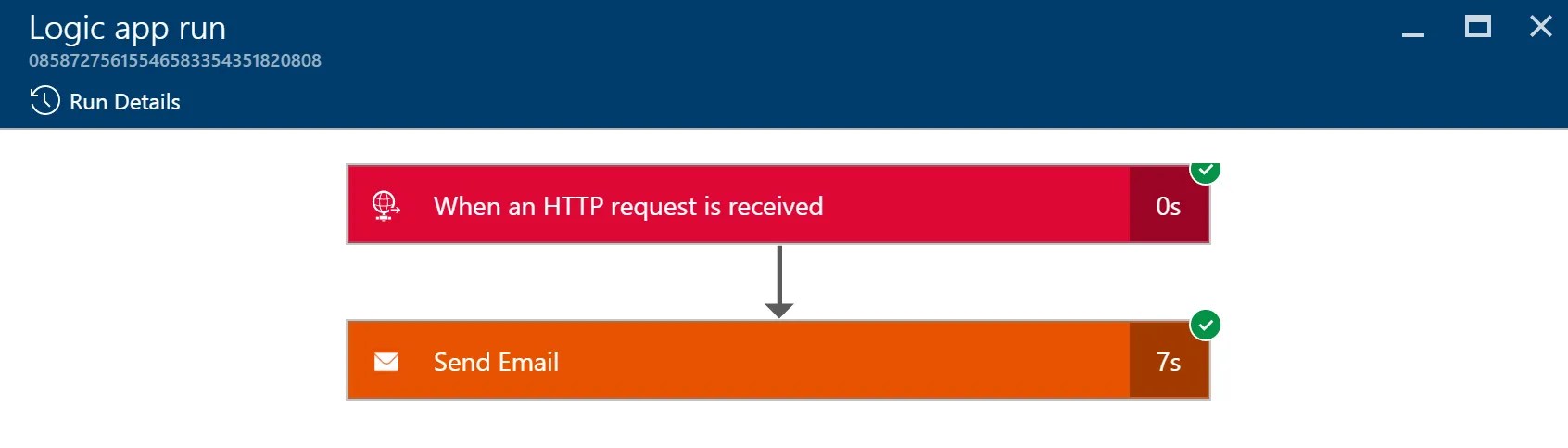
For this example, it sends a simple email with the name of the instance and the domain of the web site.
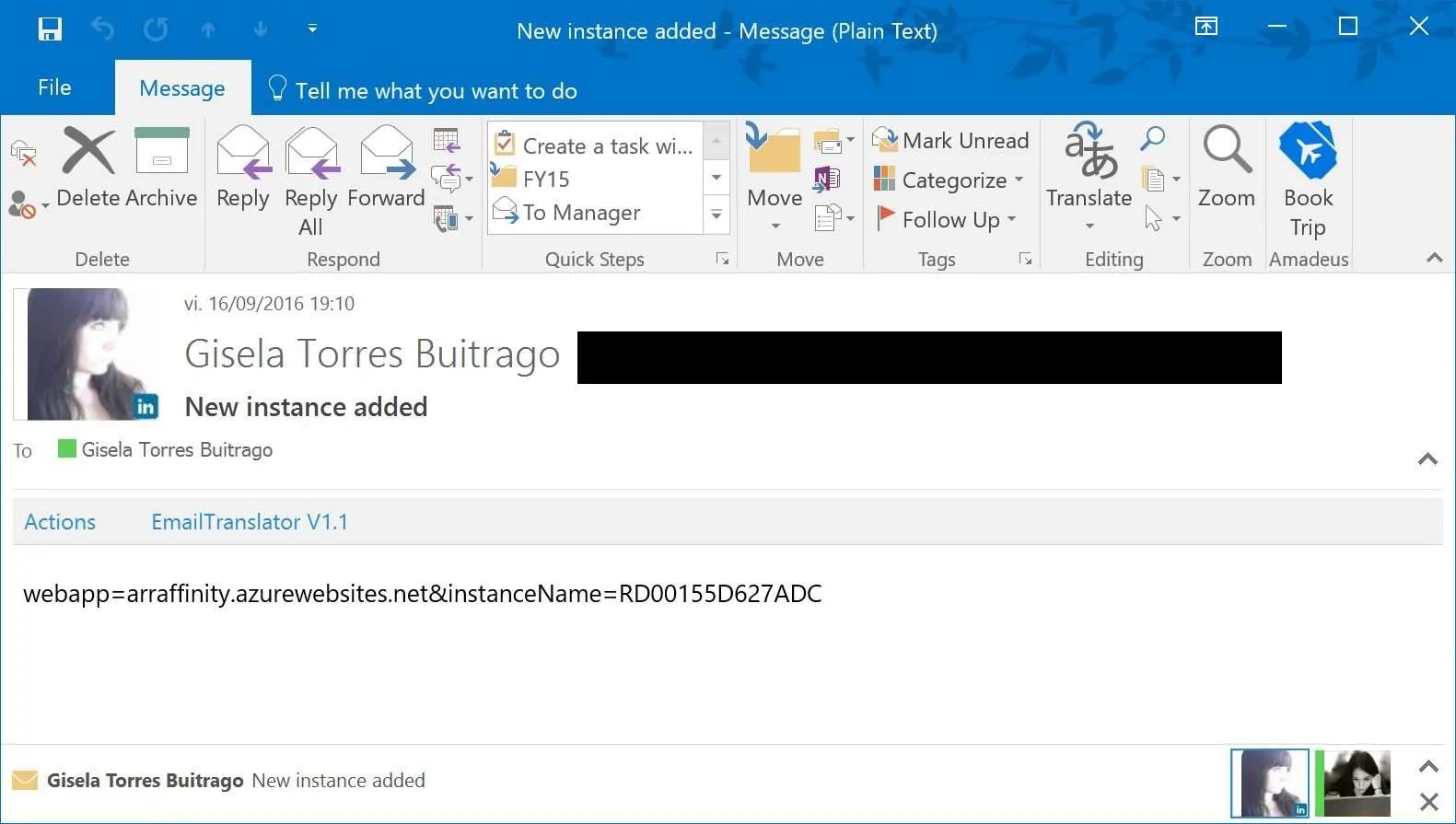
However, it could be integrated with any system that accepts HTTP requests and monitor when the scaling has taken effect or when the nodes have been restarted.
Happy clouding!